

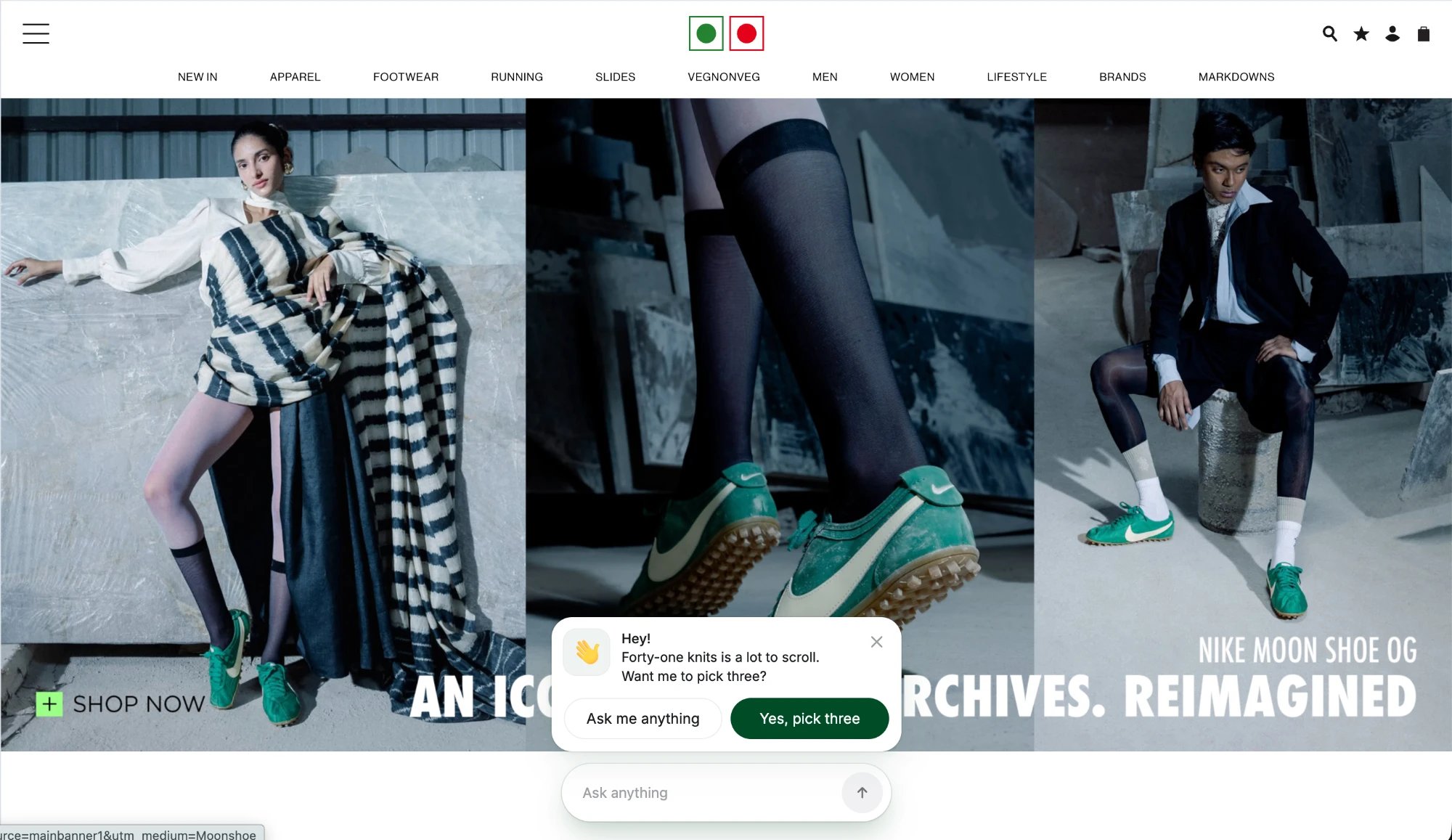
An inactivity nudge offering to narrow a long collection
What it contains
The text and media belong to the proactive message. The cards it embeds are plain components with no rule of their own. They show because the message that carries them was delivered.
A proactive message answers one of two questions, and the answer decides where it lives. Contextual asks what should happen right now, given this session. On a product page, fifteen seconds idle, show sizing help. That belongs in a Journey, as a message with a “shows when” rule. Lifecycle asks what should happen to this person over the next hours or days. Cart abandoned, wait 30 minutes, send a message, wait 6 hours, check for purchase. That belongs in a Campaign. A Campaign step can deliver a proactive message directly. The message then carries a Campaign reference instead of a rule, and the Campaign’s own delivery limits and suppression govern it. Read Journeys vs campaigns for the full test.
Rule
Because it interrupts, a proactive message carries a “shows when” rule. The message can show only while its Journey is the active one, selected by the shopper’s entry point. Inside that Journey, it shows when its rule is met.
Conditions combine. A rule can require that the shopper is on a product page and has been idle for fifteen seconds and has nothing in the cart.
A message that has hit its frequency cap is skipped even when its rule is met. When the shopper moves to a page that selects a different Journey, that Journey’s proactive messages apply instead.
Examples
Two proactive messages. Each describes the configuration, not the exact copy.Inactivity
Reaches a shopper who has stopped on a long page without acting.Home welcome
Introduces the assistant shortly after a shopper lands on the home page, before they open the chat.
A home page welcome nudge above the chat bar