

Middle bar
A chat bar centered at the bottom of the page. It opens into a chat window in the middle of the page.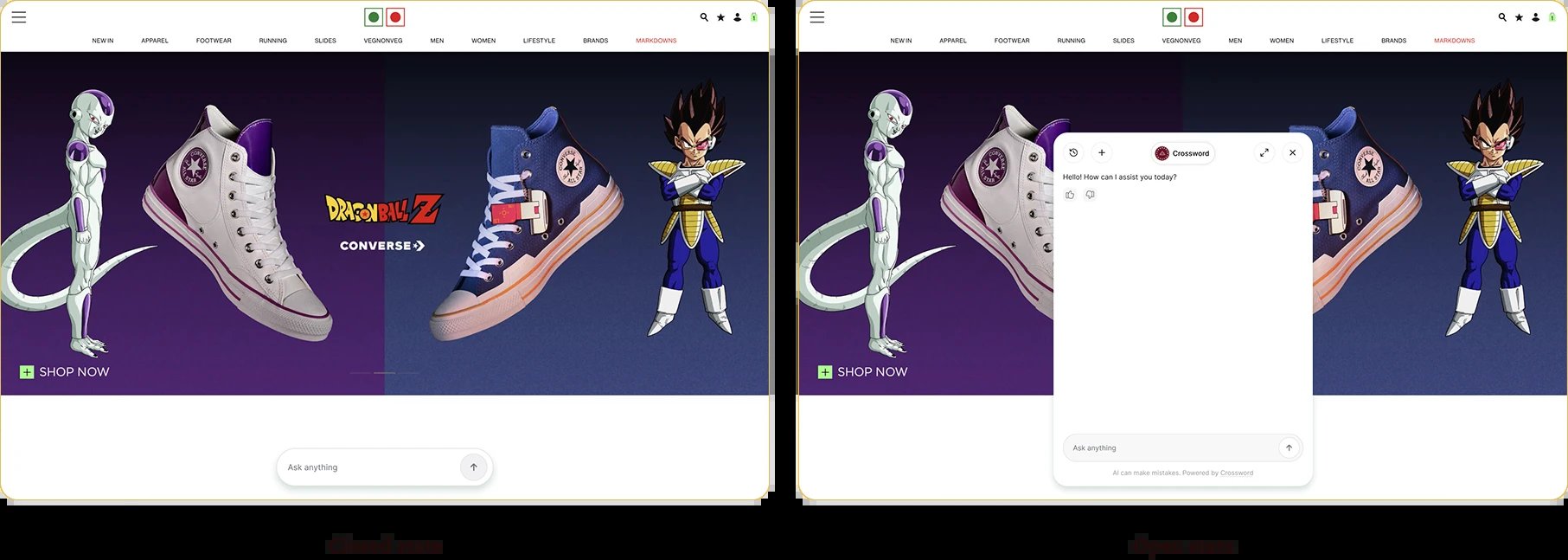
Middle bar, closed and open
Floating widget
A launcher in the bottom right corner, with conversation starters stacked above it. It opens into a chat window above the launcher. You can move it to the bottom left.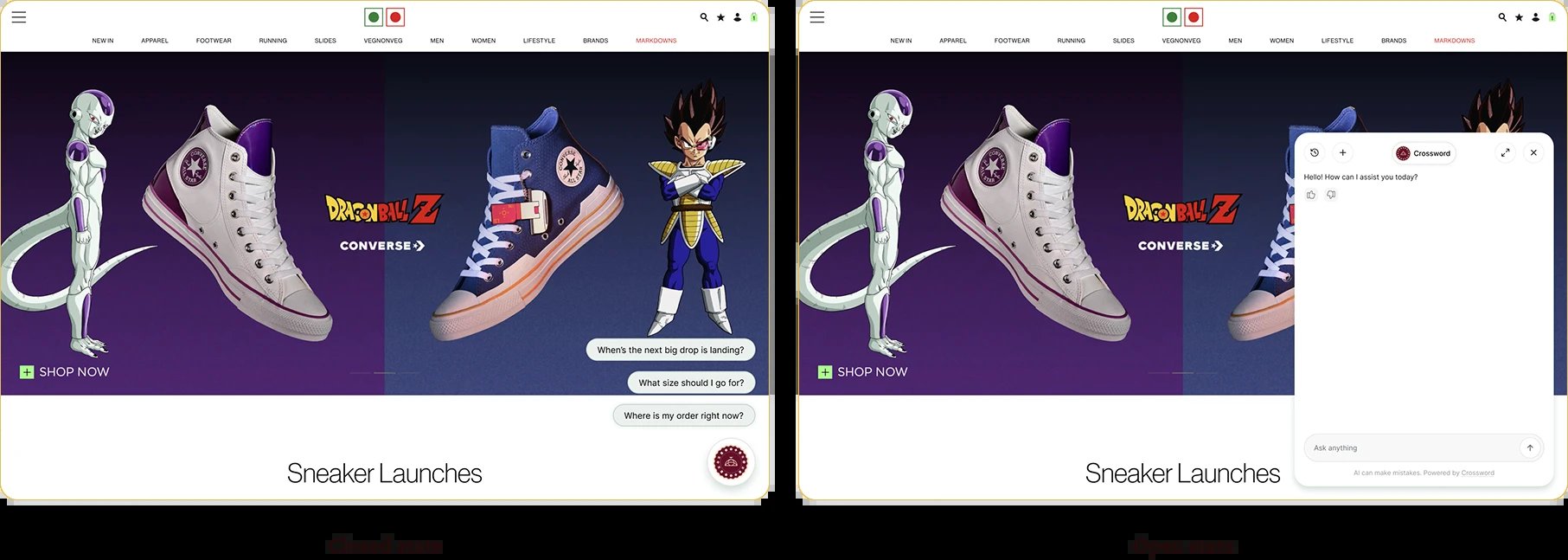
Floating widget, closed and open
Sidebar
The same launcher and starters when closed. It opens as a full-height panel along the right edge of the page, and the page stays visible beside it. You can open it on the left edge instead.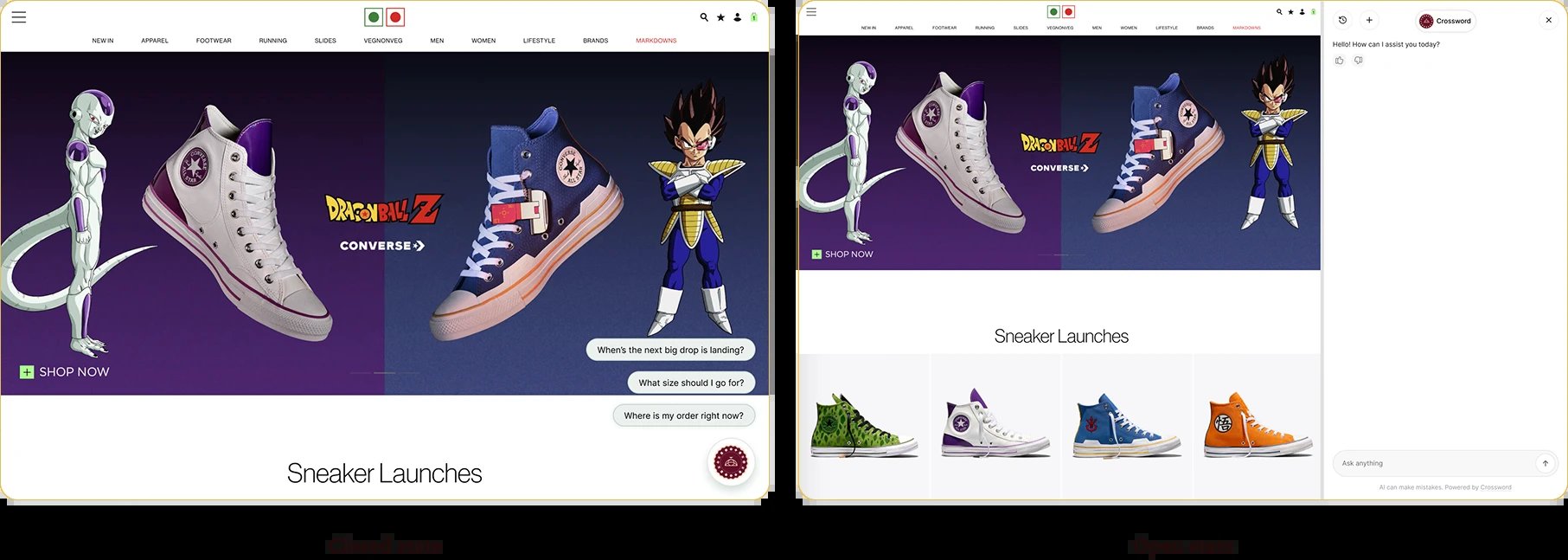
Sidebar, closed and open