

Interaction behavior
Each component template responds to shopper interaction in a defined way.Ask AI button

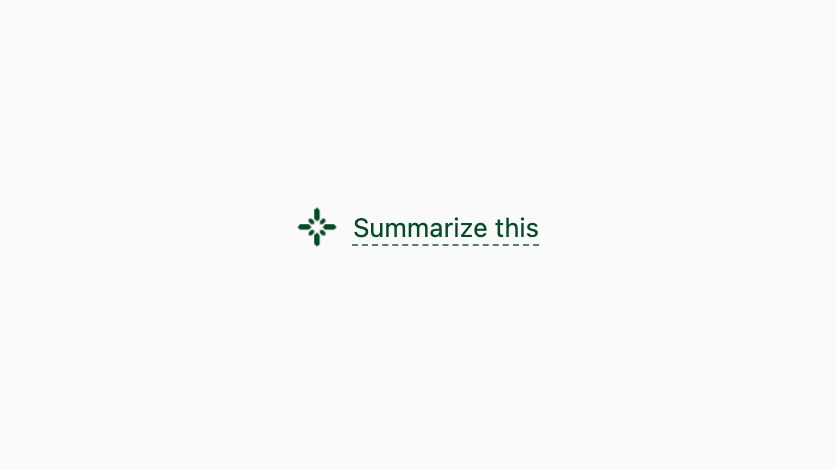
Summarize link
Suggested questions
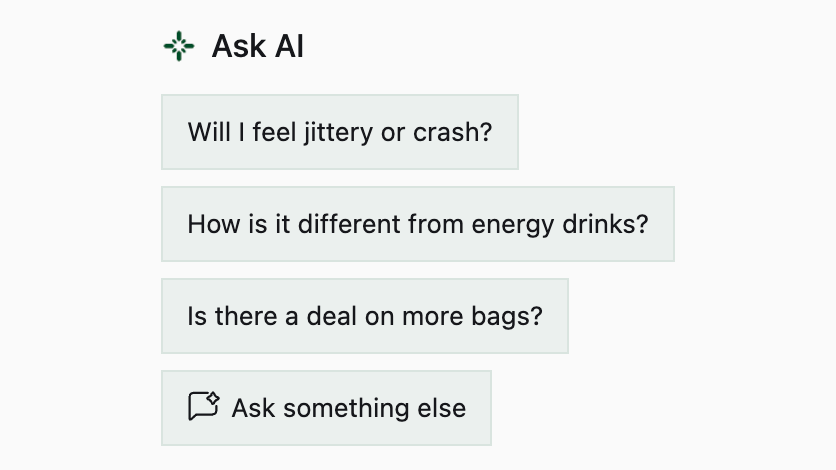
To configure how each chip is answered, read Workflows.
Product Q&A
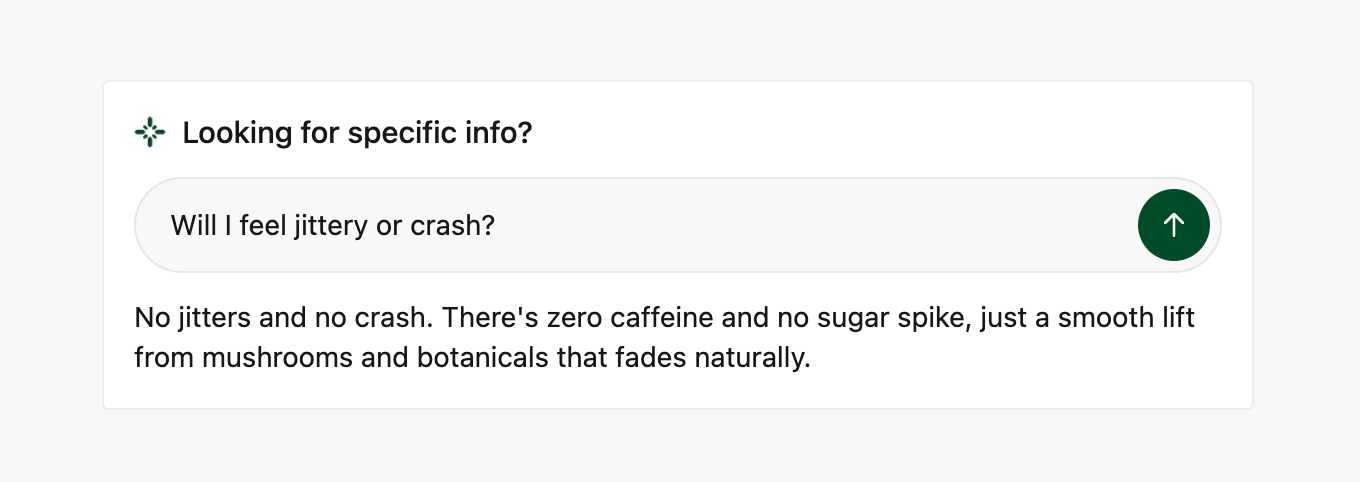
A Product Q&A answer displayed on the page.
AI summary
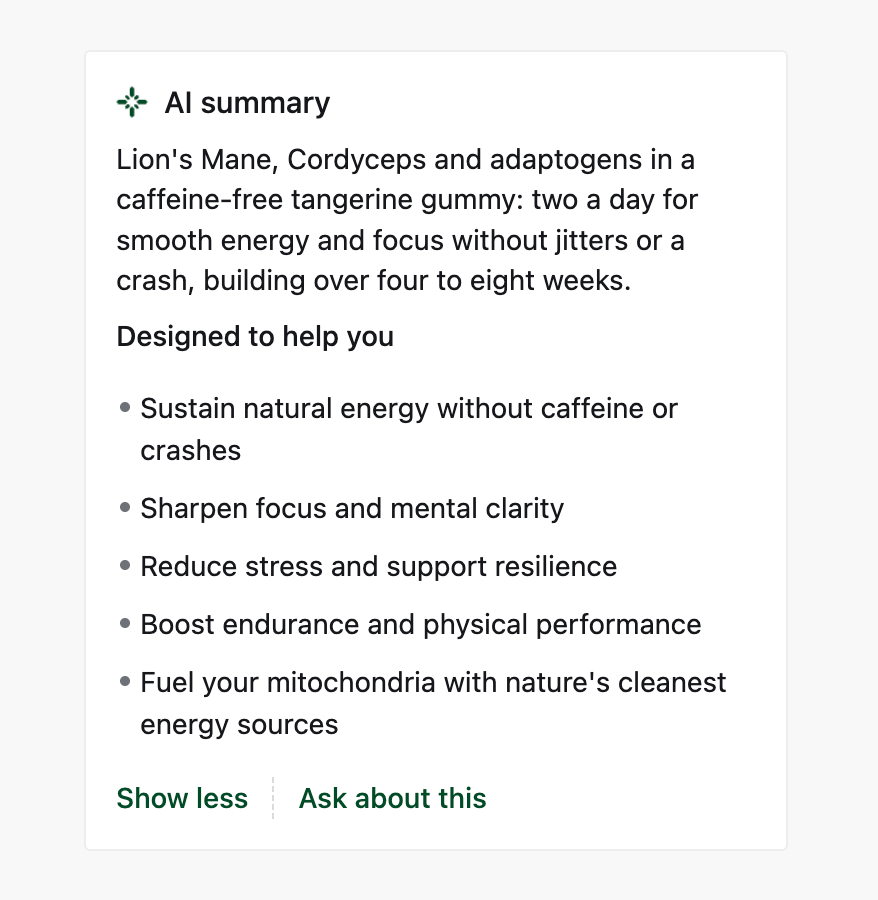
An AI summary after the shopper selects Show more.
On-page answers
An answer displayed on the page is labeled as an AI answer. It appears only on the page. The chat window does not open, and the chat does not list the question. You can still review every such question under Conversations and Runs, labeled Dynamic component. The answering agent you selected for the component answers questions live. Once the shopper continues in the chat, the chat Agent that Crossword selects for the conversation answers there. Read Intent routing.Visibility conditions
A component is hidden when any of the following conditions applies.- The component has no placement, or its placement is switched off.
- The page is not in the placement’s page group.
- The shopper’s screen does not match the placement’s devices.
- AI content has not been written for this page yet, even if some items are typed. With Write when a page is first visited on, this visit starts generation, and the component appears on a later page load.
- The last rewrite failed its checks. The component stays hidden for that page group until a rewrite passes.
- The template requires an answering agent, and none is selected.
- The target element is not present on the page.
Chat settings and rollout
Dynamic components follow the channel’s chat settings.- Chat switched off. Components still display their read-only parts: the heading, the summary, and the AI label. Product Q&A, and chips set to answer on the page, continue to answer. Every element that opens the chat is hidden.
- Your page rules hide the chat widget. Components still display, without entry points into the chat. Chips and Summarize links answer on the page.
- A rollout percentage. A visitor outside the rollout sees no components, just as they see no chat. A visitor inside the rollout continues to see components if you lower the percentage later. Read Deployment.
Cookie consent
On a channel with a cookie banner, Dynamic components before consent controls component behavior before the visitor responds to the banner. Read Cookie consent.
When the visitor accepts, components render again with full functionality.