

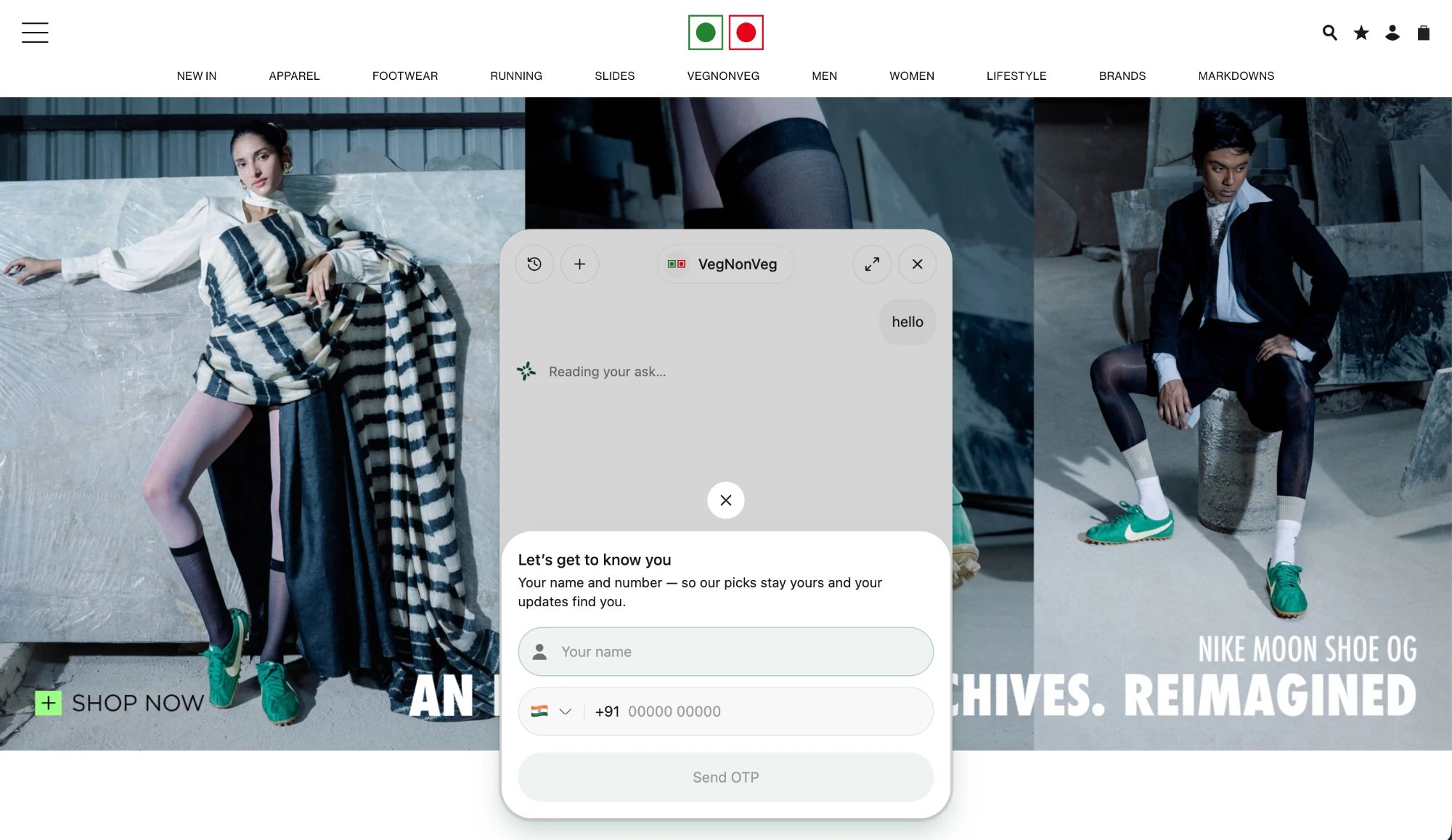
A contact form asking for a name and a verified phone number
Anatomy
The diagram shows a form as its type, its fields with what each one holds, its consent and submit controls, its messages, and the Workflow that runs on submit.
Each field holds these properties.
Validation is a property of the form. It governs what the shopper can submit once the form is on screen, not whether the form shows. What happens with the submitted values, such as creating a contact or triggering a back-in-stock alert, runs through a Workflow.
Where it appears
A form never shows on its own. One of these components includes it.- In the welcome message, for example a newsletter sign-up offered to every shopper when the widget opens.
- In a proactive message, for example an offer that asks for an email in exchange for a discount.
- In the assistant reply, where the Agent chooses it. The Agent needs details to continue, such as an email to send a size guide or to set a back-in-stock alert, and asks for them with the form rather than in free text.
- On a page, inside a content block, for example a sign-up block on a dynamic landing page, or one that trades an email for a discount.
When the form opens
You decide the moment the form appears in the conversation. The right moment depends on what the form is for.
The moment can also be dynamic. You describe in the Agent’s operating procedure when to ask, such as “ask for a name and phone number after the shopper’s third message”, and the Agent opens the form at that point. The shopper can close the form and keep chatting, and the Agent does not ask again in the same conversation unless it needs the details to act.