

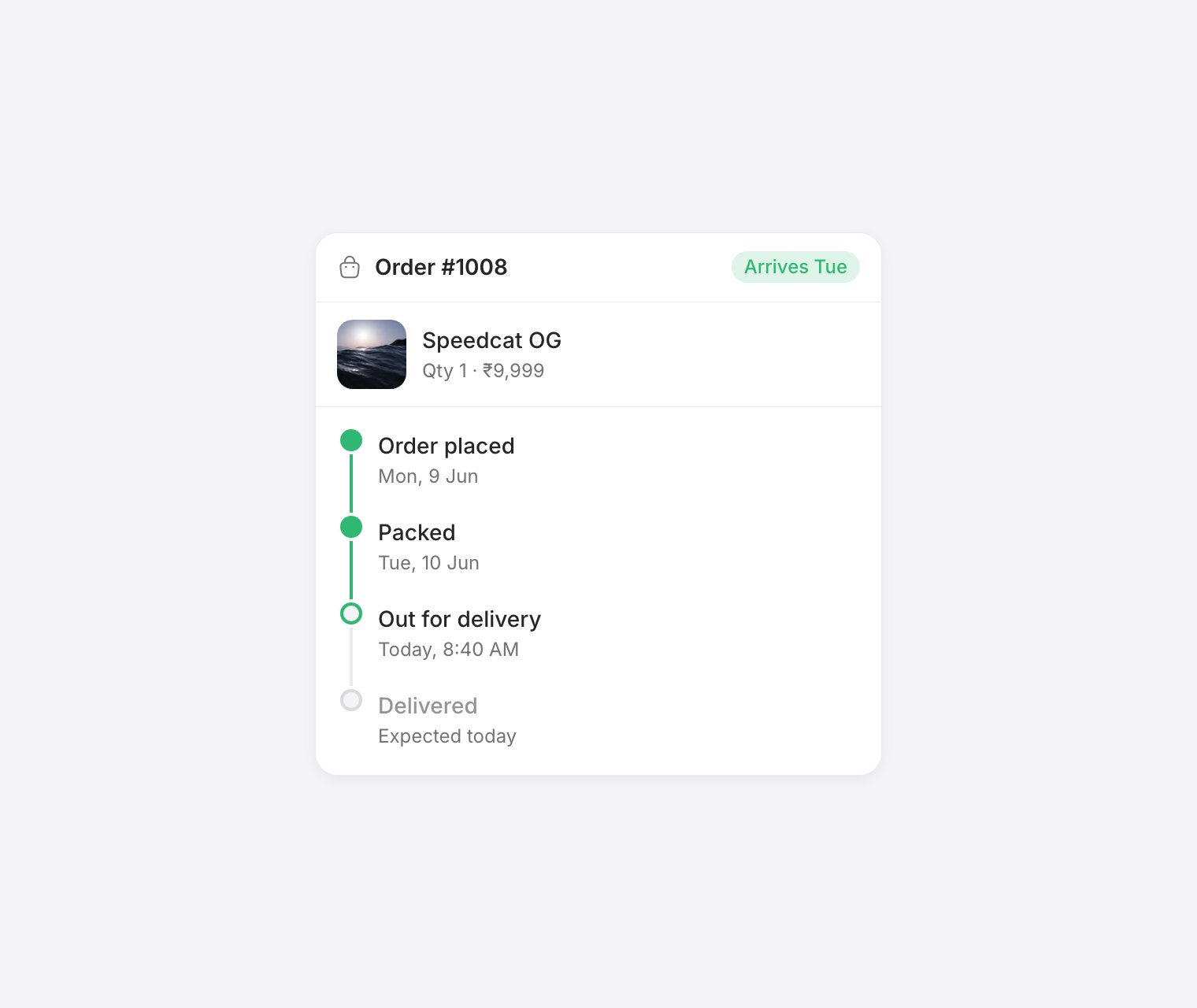
Order status card for an order out for delivery
Anatomy
The controls run Workflows. A Return these items button starts the Workflow that generates a return label, and the card updates as the Workflow moves through its steps. Which controls show depends on the state: an order that has shipped offers tracking, an order that has arrived offers a return.
Where it appears
An order and refund status card never shows on its own. One of these components includes it.- In the welcome message, which is global. Every shopper sees the same one, signed in or not, so for a signed-in shopper with an open order, use a proactive message instead.
- In a proactive message, for example when a Campaign step tells a shopper their refund has been issued and shows the amount.
- In the assistant reply, where the Agent chooses it. The shopper asks where their order is or how to return something, and the Agent answers with the card. For this the Agent needs the Workflows and the order data access that fill it.
- On a page, inside a page section on an account or order page, for example a content block that greets the shopper with the status of their latest order.